

Parallax ghost scene
Create layered depth and looping motion

Animation used to require knowing how to animate. not anymore.
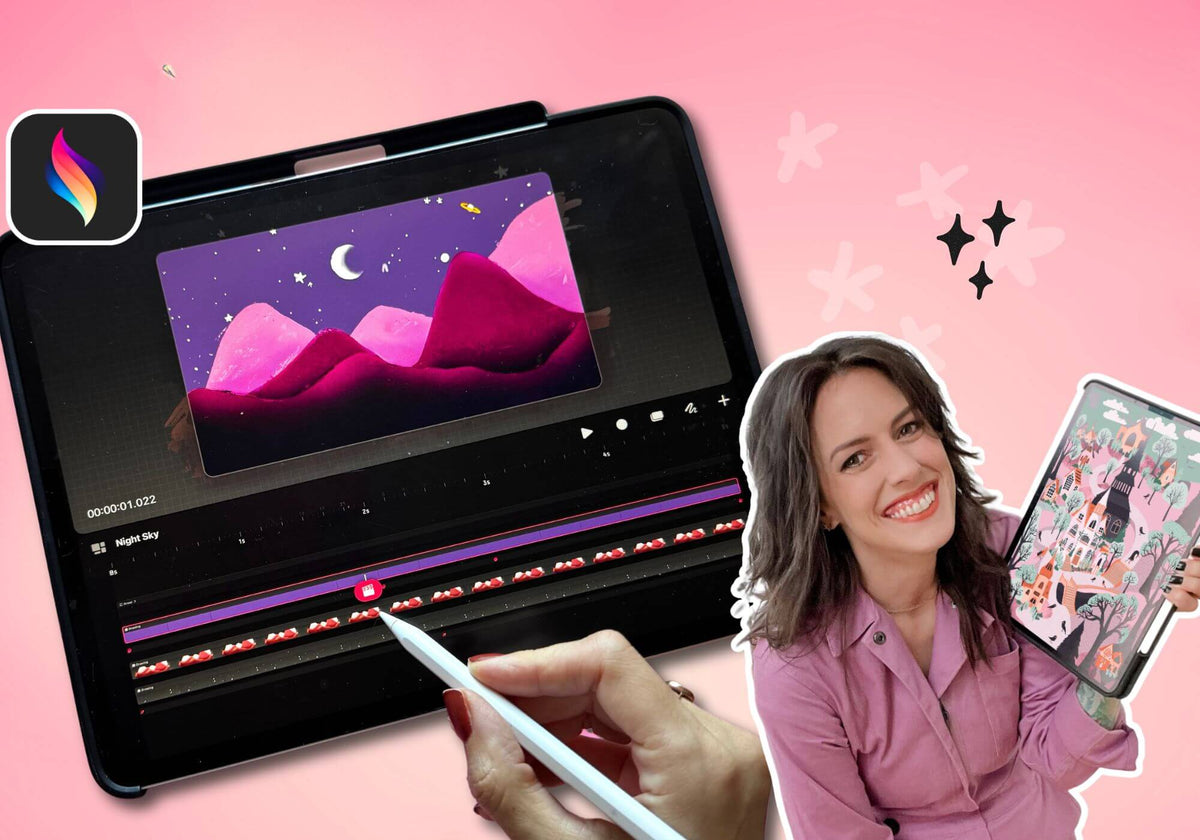
Procreate Dreams changed everything. This class shows you how to actually use it, from frame-by-frame basics all the way to Perform mode, where you can record motion in real time as you move your pencil.
⚡︎ Instant lifetime access • Updated + legacy classes included

The updated class walks you through a dancing space cat, a charming illustrated scene with subtle motion, depth, and personality that teaches you how animation feels rather than just which buttons to press.
You get two classes
The updated Procreate Dreams class plus the original legacy class, which adds three more work-along projects.
Create layered depth and looping motion
Combining frame-by-frame and keyframe techniques for organic flicker

Isolate movement using a pre-drawn piece to make the process easy peasy


This class is excellent, because Peggy takes her time to emphasize on the gestures and features so we can learn and remember how to work around it. This class has been really helpful to me to understand Procreate Dreams, and animation in general
Really enjoyed your class! It was exactly what I needed to jump into Procreate Dreams. Thank you!
Peggy is a great instructor. Her explanation of keyframes was very helpful and the examples provided lost of ideas/creativity.

hey I'm Peggy
So.. when Procreate Dreams launched I basically lost a week of my life to it on absolute purpose. I have no regrets. The Perform feature alone changed how I think about motion entirely. I made this class because animation has always had this reputation for being technical and time-consuming, and Dreams genuinely broke that. It's a program that meets artists where they are and lets them make things move in the most intuitive way I've ever seen. You don't need to become an animator to use it. You just need to know where the buttons are and have someone walk you through the first three projects.

Both! The class includes my full original Procreate Dreams class as well as an updated new class on Procreate Dreams 2, so you're covered whether you're just getting started or upgrading your existing workflow.
Yes! The class includes a full cheat sheet on importing existing Procreate artwork into Dreams and setting it up for animation, including how to rework your layers to work best with the animation tools.
The updated class on Procreate Dreams is 1 hour and 25 minutes.
You'll enjoy lifetime access to the course so you can learn at your own pace and revisit the content whenever you need a refresher.
If you have more questions or need further clarification, my team is here to help! Please feel free to reach out to hello@thepigeonletters.com
Let's ensure all your questions and concerns are answered so you can embark on this journey with confidence!
Your illustrations have been sitting still long enough
